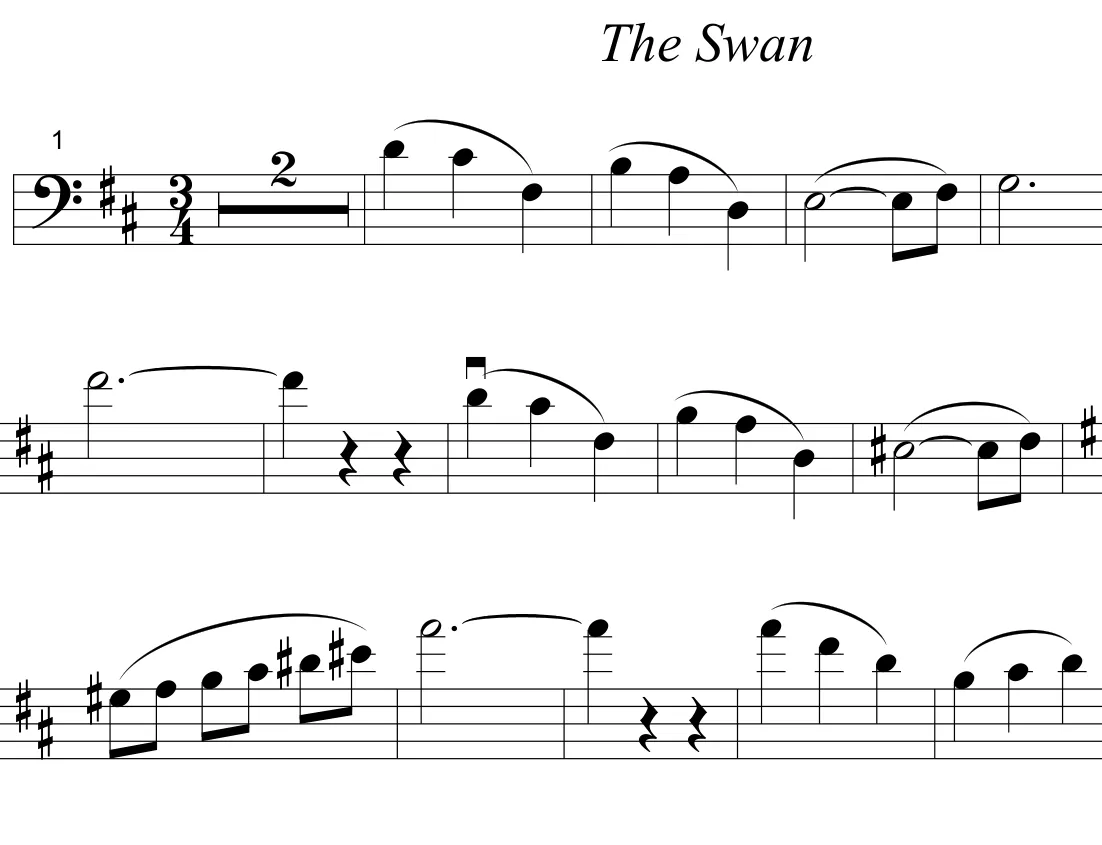
Tap any note on the score · arrow keys work too
A score that
follows you.
Add a score and a recording. The cursor follows along, with note names, fingering and any slips shown right on the page.
Nothing to prepare · a real cello recording- 01
Add a score
A PDF, a phone photo or a scan. Bar lines are found for you, so the cursor knows where you are.
- 02
Add a recording
Upload a recording or a phone video, or record right in the browser, with or without the metronome.
- 03
Read the marks
Pitch and timing note by note: sharp, flat, rushed and late notes circled on the page you already know.
The things you actually use in practice
Tap to hear it again
Every circled note replays from a second before it, so you hear exactly what you practise.
Scales & arpeggios
Play a scale and see which note is out; the tuner uses the same pitch tracking.
Metronome
Always at hand, with a count-in; record along with it.
Export a video
Score, cursor and your recording in one video, ready for your teacher.
Fingering & note names
Suggested fingerings, note names and coloured accidentals for single-line scores (Beta).
Progress curve
Sign in to keep reports and scores in the cloud, with a progress curve for every piece.
Put a tablet on the stand. The score keeps up.
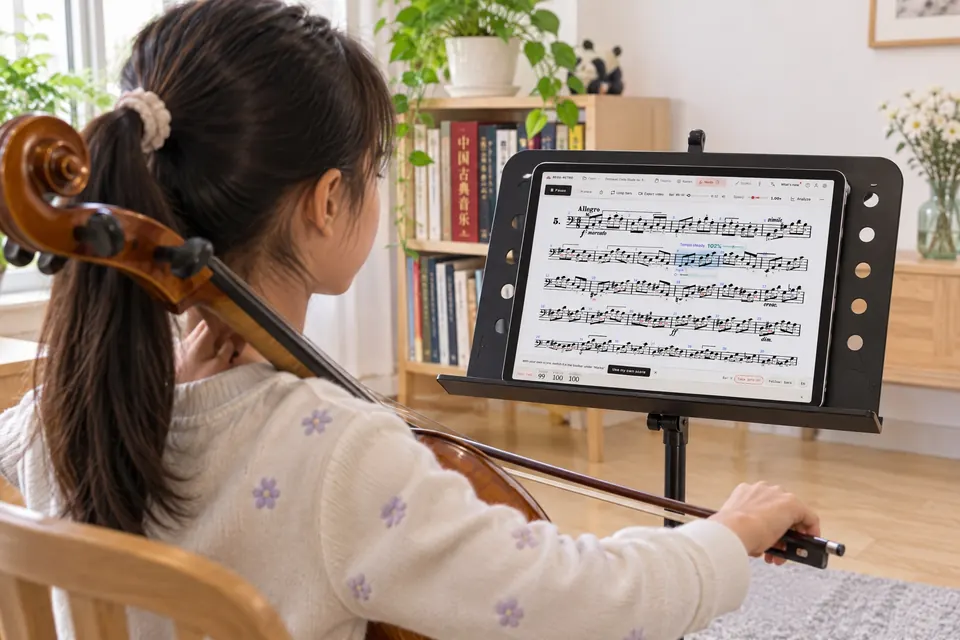


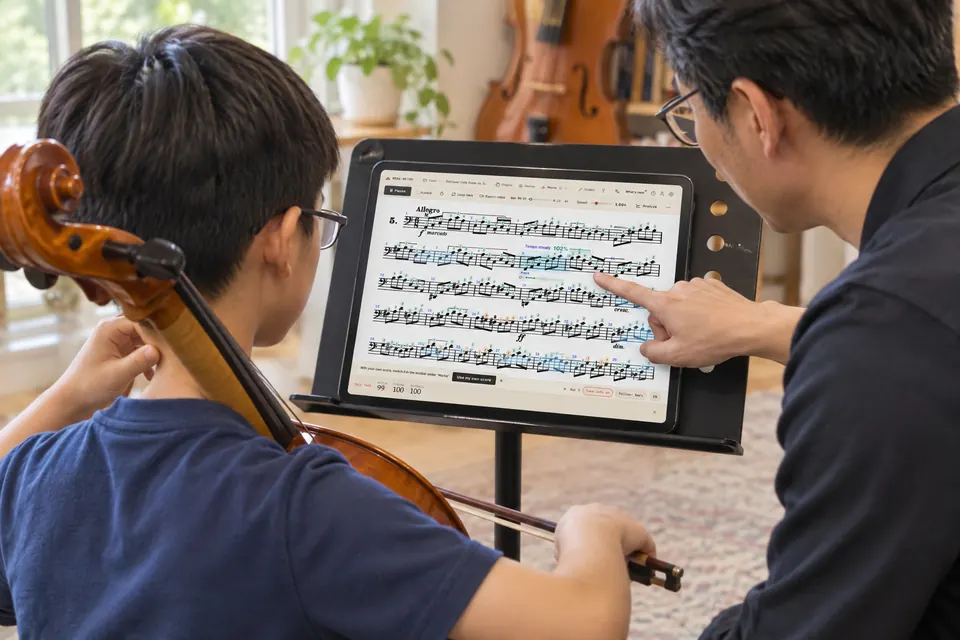
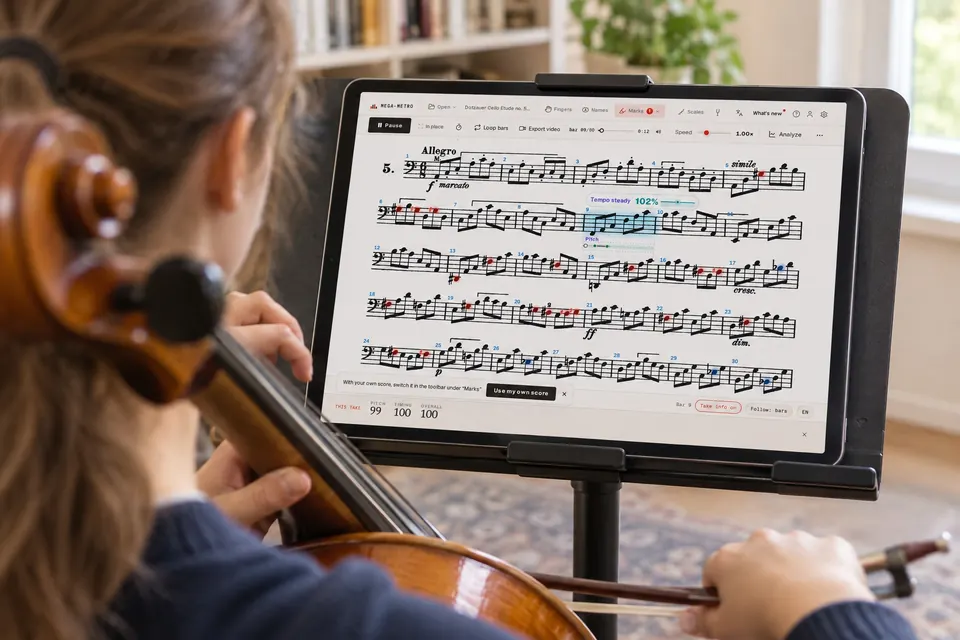

Illustrations are AI-generated; the tablet shows the real MEGA-METRO screen.